Why your WooCommerce checkout silently fails and how we trace it
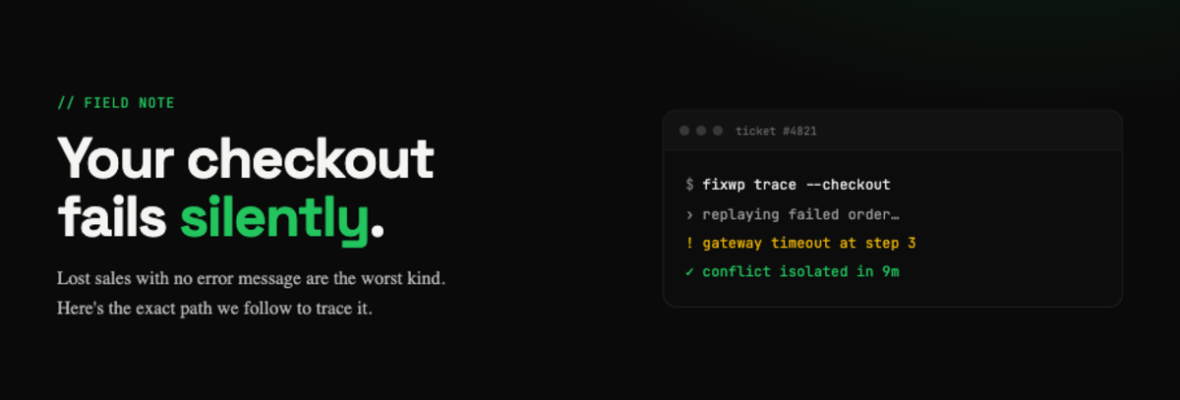
Few things drain revenue as quietly as a checkout that fails without a visible error. Customers add to cart, hit pay, and simply leave. No bug report, no angry email — just a flat conversion rate and a sinking feeling.
The good news: silent failures almost always leave a trail. You just have to know where to look.
Read the logs before you touch a setting
The fastest fix starts with evidence, not guesswork. We pull the server PHP error log, the WooCommerce status report, and the payment gateway’s own transaction log, then reproduce the failure with debugging enabled so the real error surfaces instead of a generic message.
The usual suspects
Most silent checkout failures trace back to a short list: an expired or wrong API key on the payment gateway, a plugin update that broke the AJAX request, a caching layer serving a stale nonce, or a PHP memory limit too low for a heavy cart and tax calculation.
Prevention beats panic
Once it’s fixed, we add a lightweight transaction monitor and a staging environment so the next risky update gets caught before it ever reaches a real customer.
A checkout error you can’t see is still costing you money on every single visit.